Know what sells.
Before it sells out.
Prioricast tells you what to order, when to order it, and where to send it — powered by forecasts validated against your actual sales.
Retailers lose $1.7 trillion a year to running out and overstocking. Two-thirds of it is empty shelves.IHL Group, Inventory Distortion Study, 2026
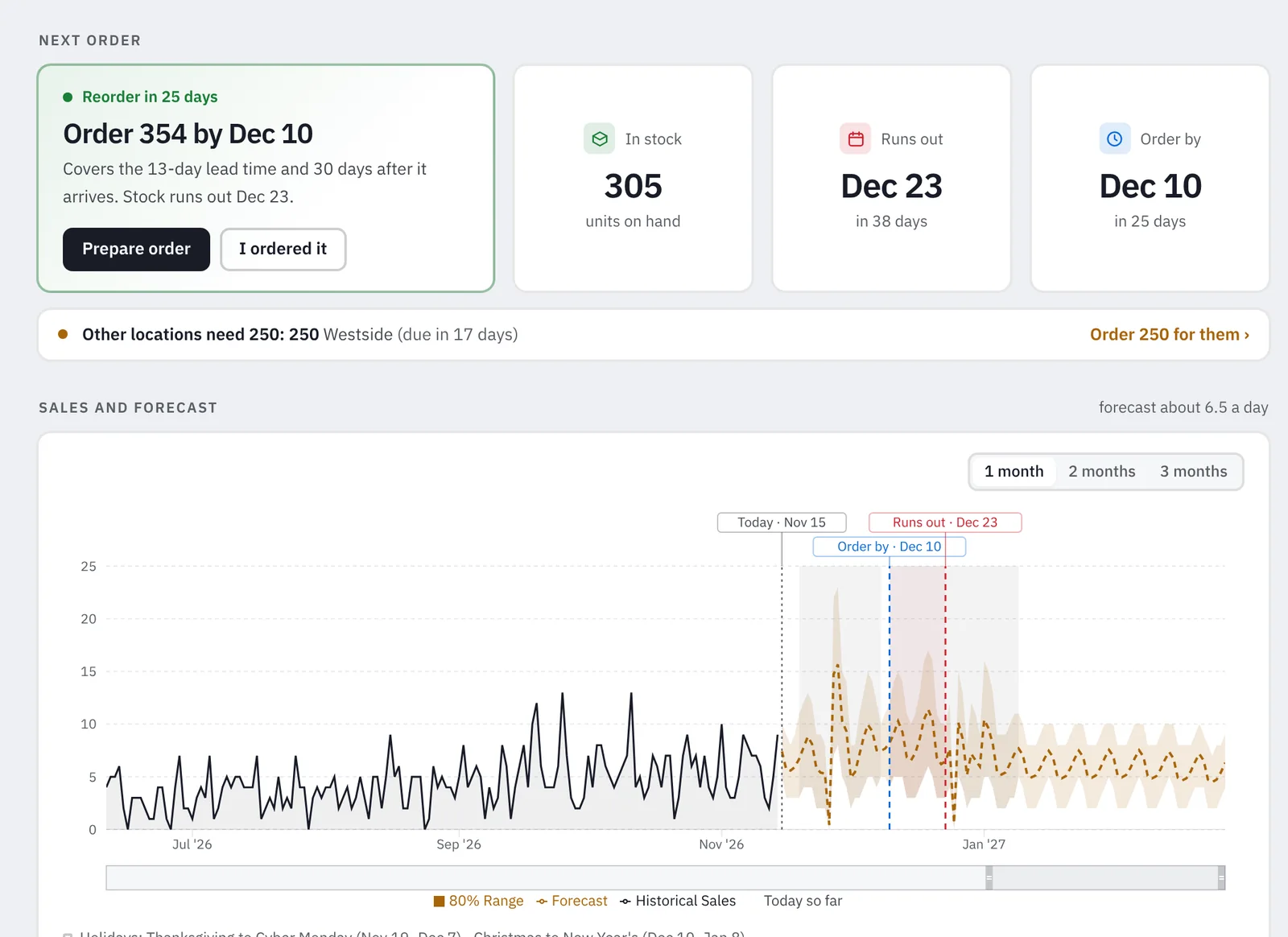
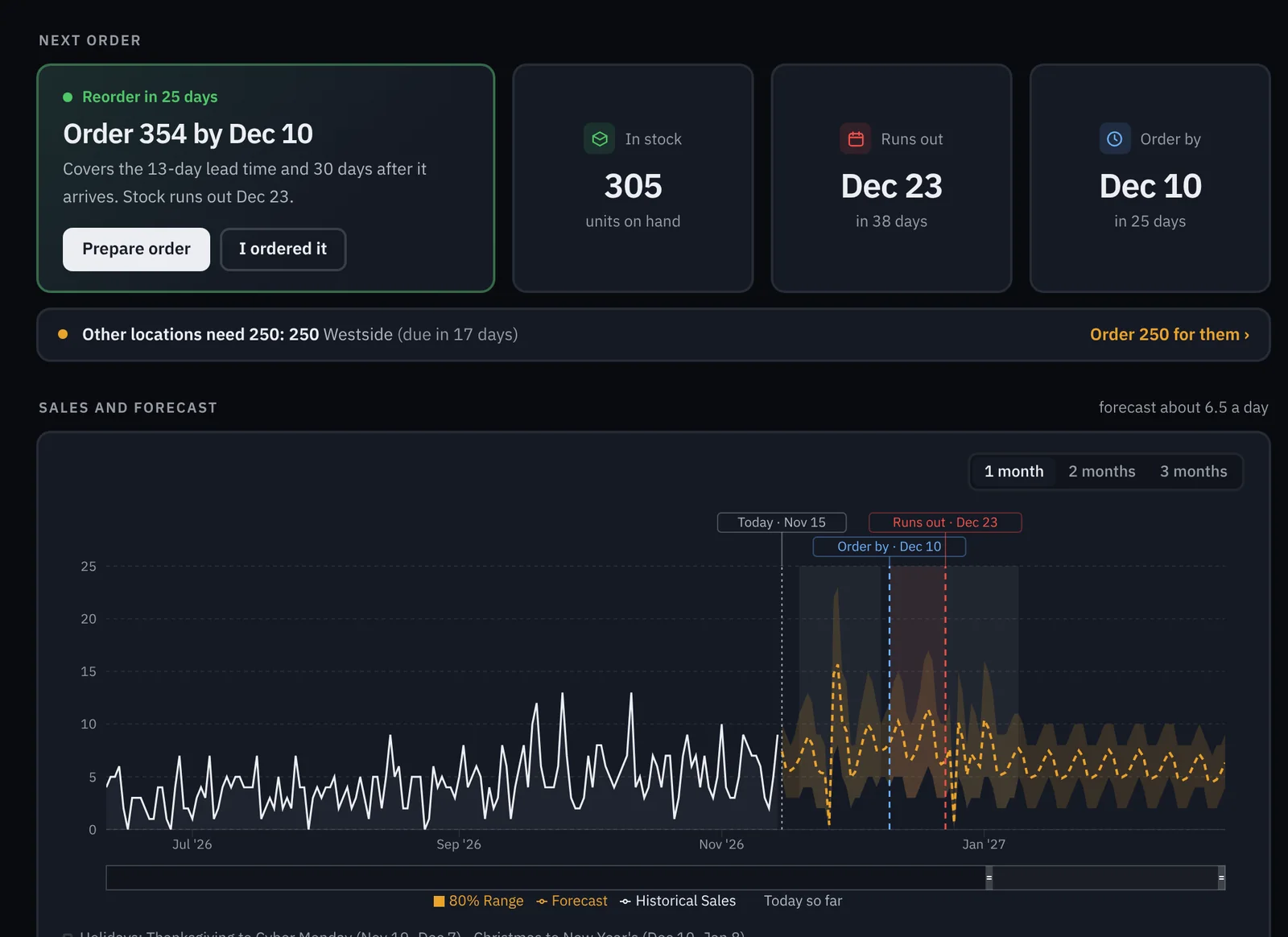
The real product page, from an example store.
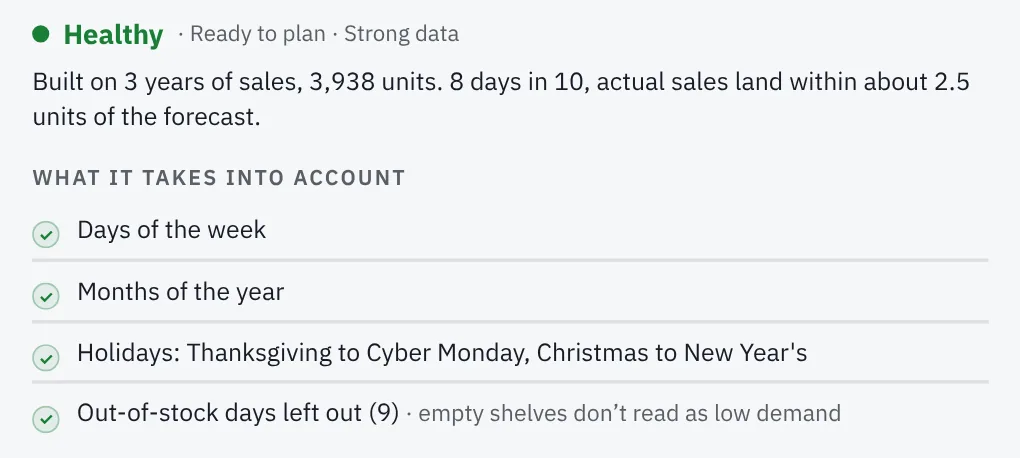
Every product gets the forecast its history can support.
A bestseller and a beanie you stocked last month shouldn’t be forecast the same way. Prioricast reads each product’s history and picks the method it can support.
Pick a product to see the method it gets.
Tested on your past before it plans your future.
Before recommending a single order, Prioricast runs a backtest on every product’s own history.
- 1Replay the past
It rewinds to a past date, forecasts the next six weeks using only the sales it had seen, and compares that with what really sold. Then it steps forward a month and repeats.
- 2Tune the safety stock
It replays your sales at five safety stock levels and keeps the one with the lowest total cost: lost sales plus the cash tied up in extra stock.
- 3Score every week, live
Each Sunday it saves next week’s forecast and a range that should catch 8 weeks in 10, then checks it against what sold. Misses included.
You see the result for your own store on the History test page.
One product, example data.
| Safety stock level | Lost sales | Extra stock | Total cost | |
|---|---|---|---|---|
| Light 90% | $1,840 | $310 | $2,150 | |
| Standard 95% | $960 | $470 | $1,430 | |
| High 98% | $420 | $690 | $1,110 | |
| Very high 99% | $260 | $880 | $1,140 | |
| Maximum 99.5% | $170 | $1,060 | $1,230 |
Example data. Picked: High, the lowest total cost.
One product, week by week. Example data.
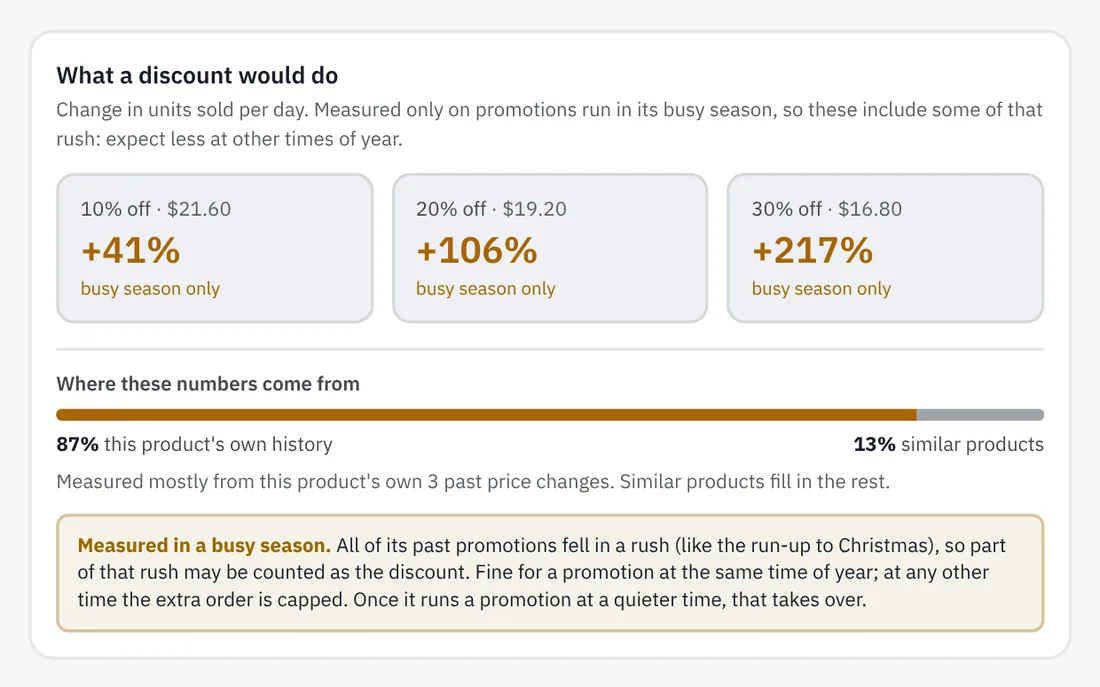
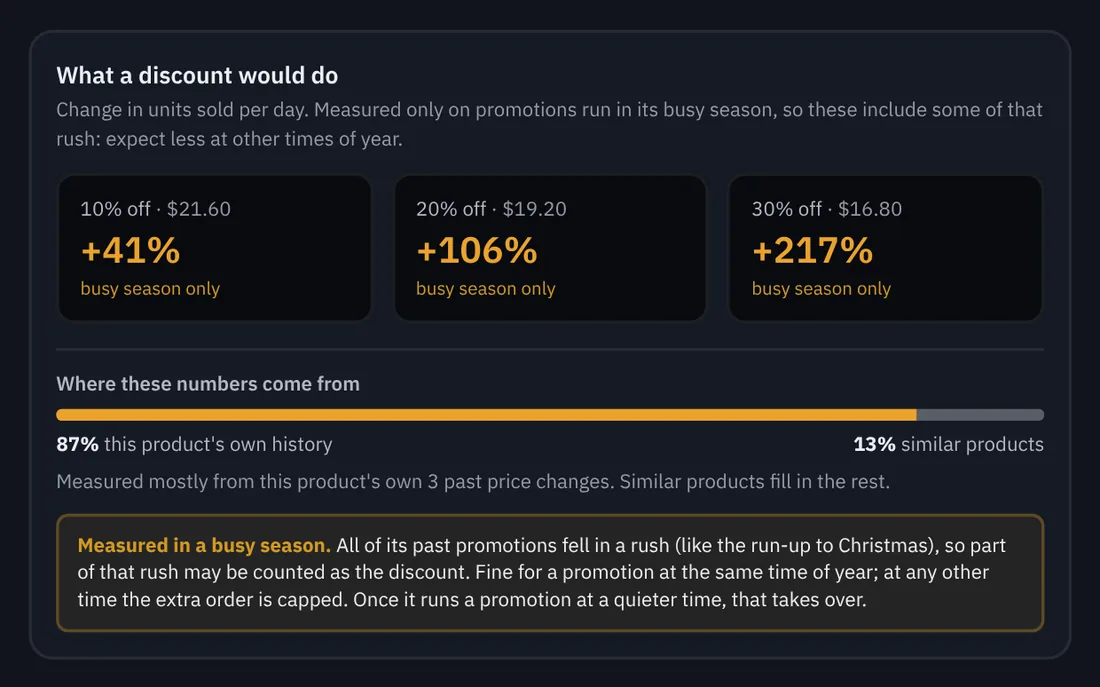
Real Prioricast screens, from an example store.
Built for how stores really sell.
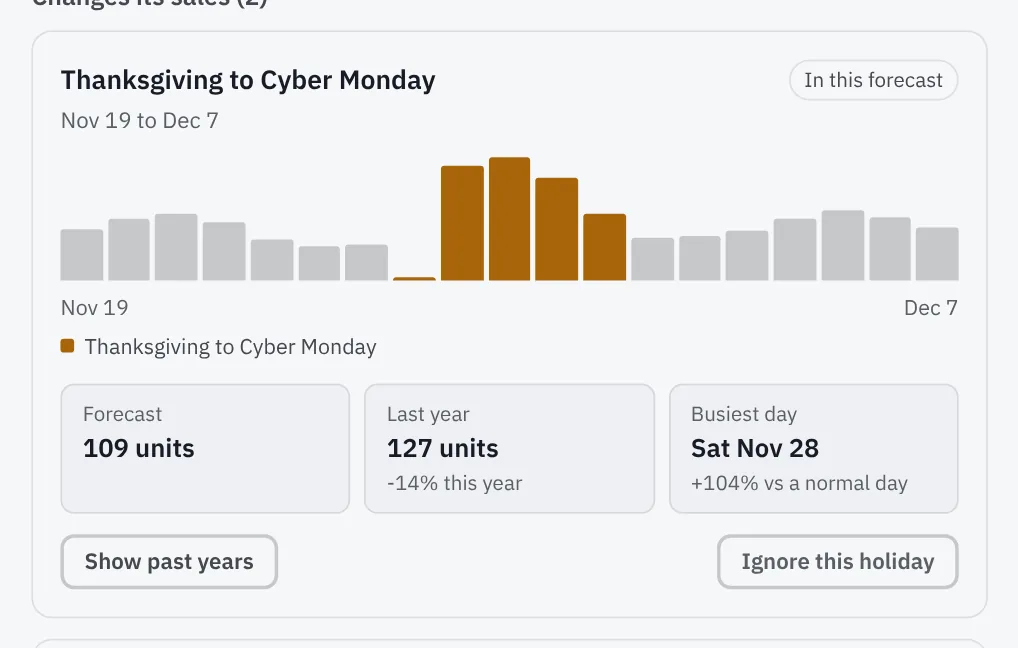
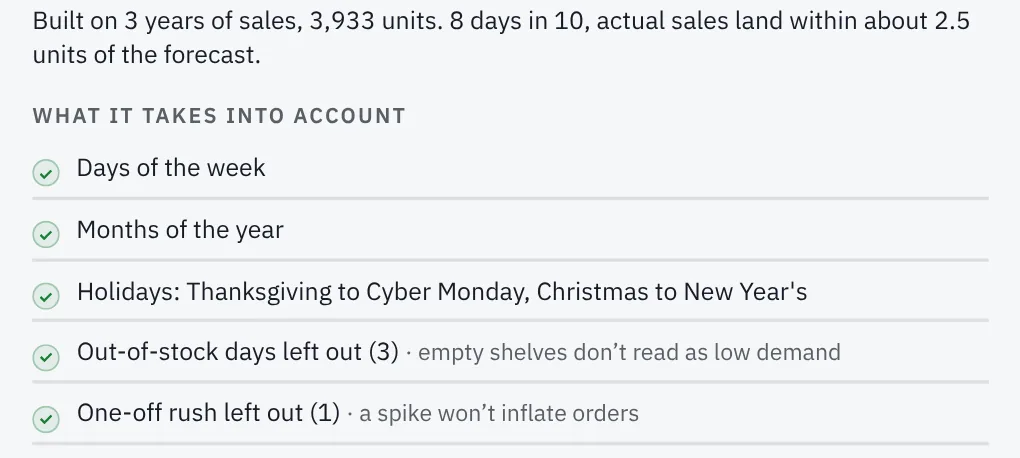
Real-world messiness, already handled in every forecast.
From purchase order to shelf.
Everything for a supplier lands on one purchase order. When the delivery shows up in your stock, Prioricast checks it in.
Whole cases, minimums met
Rounded up to the case pack and checked against the supplier’s minimum.
Split by store
With more than one location, it shows how much goes to each.
Ready to send
Paste it into a chat, or download a PDF.
Checks itself in
Part deliveries stay owed, and every delivery sharpens the lead time.
Harbor Textile Co.
| Product | Location | Cases | Units |
|---|---|---|---|
| Linen throw blanket, OatDue Nov 25 | Midtown | 14 | 84 |
| Linen throw blanket, OatDue 4 days later, added early | Westside | 6 | 36 |
| Linen throw blanket, SlateDue 6 days later, added early | Midtown | 5 | 30 |
| Waffle bath towel, RustDue 2 days later, added early | Midtown | 4 | 48 |
Plug in your store. Then forget about it.
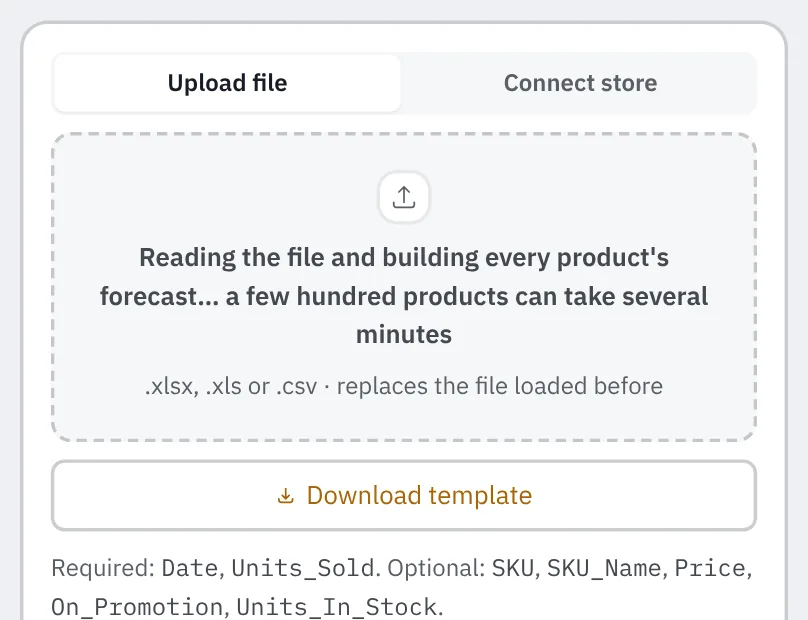
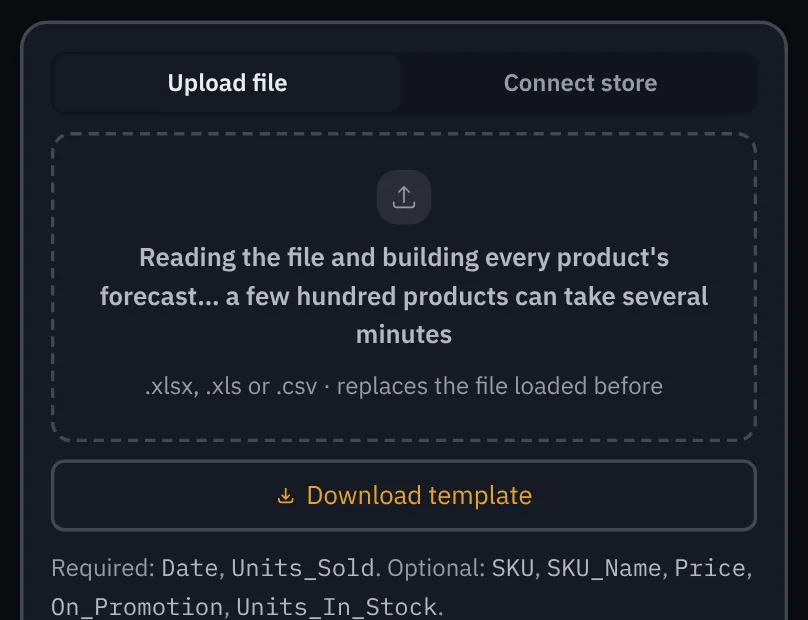
Connect Square or Shopify, or upload a spreadsheet. After that, it runs on its own.
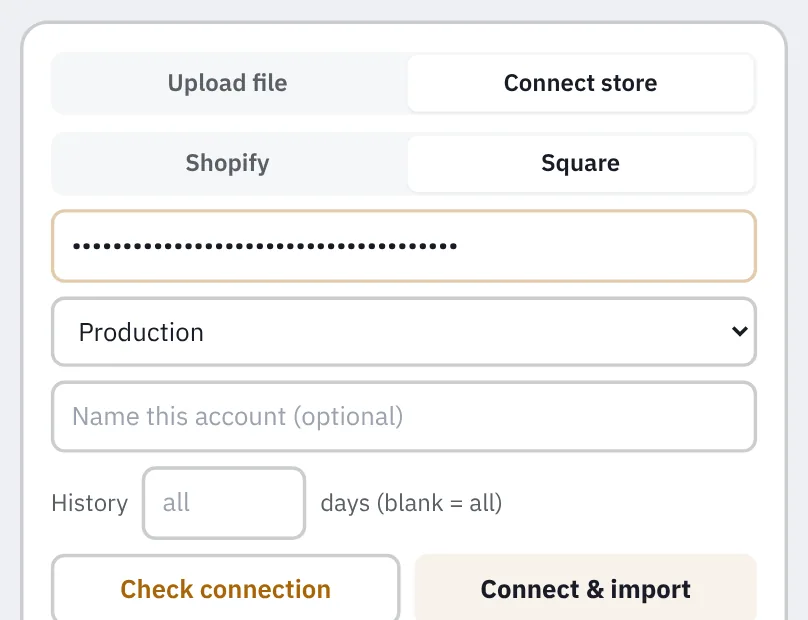
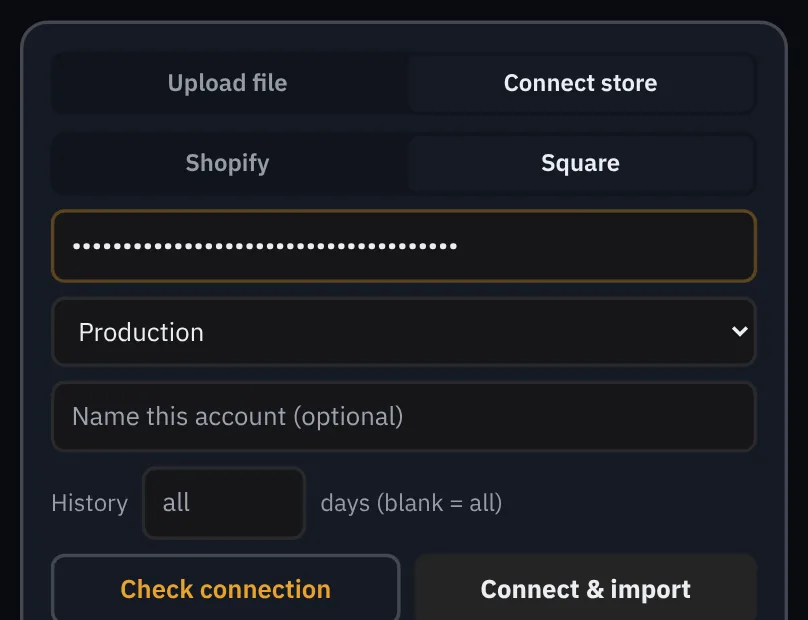
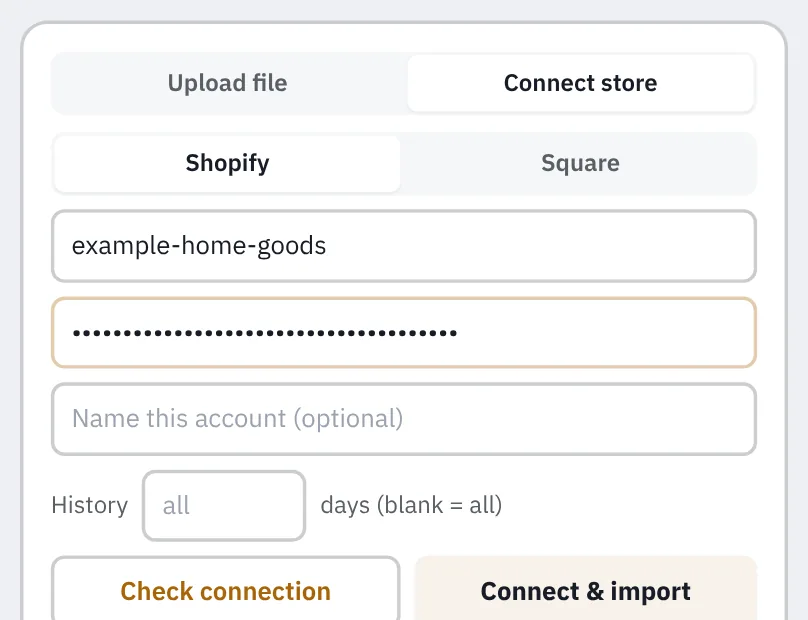
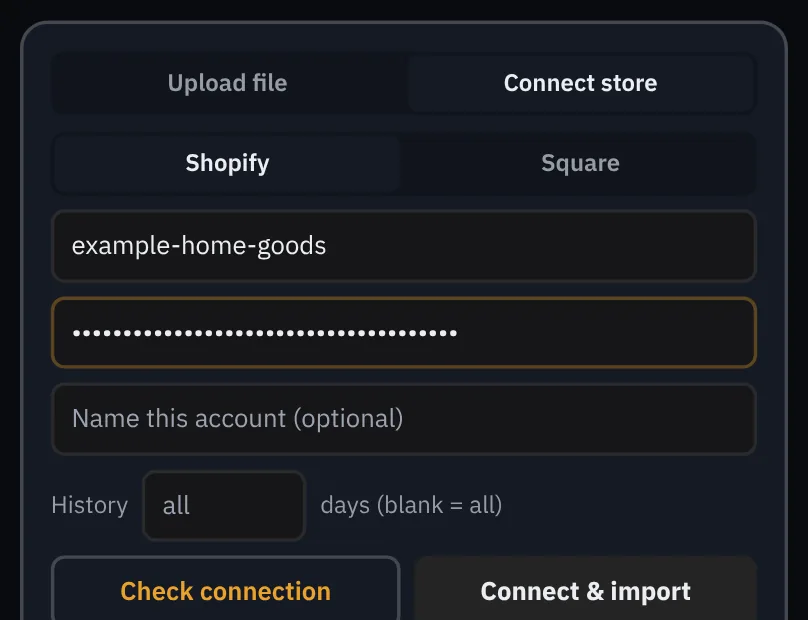
Read-only. It asks only for permission to read orders, products and stock, so it can’t change anything in your store. Your token stays on the server, never in the browser.
- Every nightPulls in yesterday’s sales and updates every forecast.
- Every hourChecks stock, sales and prices.
- Every SundaySaves next week’s forecast, then grades it.
Order with confidence.
Send us your sales history. We’ll show you how accurate Prioricast would have been on your own products, before you commit to anything.
We load your sales and run the history test on every product. You see how accurate it would have been, then decide.
Which systems does it work with?
Square and Shopify connect directly. Anything else works with a spreadsheet upload: .xlsx, .xls or .csv, many products in one file.
Can it change anything in my store?
No. It only asks to read orders, products and stock. It can’t edit products, prices or orders.
How much sales history does it need?
Any amount works, and more lets it learn more. Weekly patterns show up quickly, yearly patterns need about 15 months, and the history test needs about six. A new product borrows from its other locations until its own history builds.
Does it handle more than one location?
Yes. Each location gets its own forecast, and one purchase order shows how much goes to each.
What happens after I sign up?
We load your sales and run the history test on every product. You see how accurate it would have been on your own store before you commit to anything.